
eCTD PDF Requirements for the US Market: Small Document Details That Matter
The Electronic Common Technical Document (eCTD) provides a standardized way to organize and submit pharmaceutical regulatory information to the U.S. Food and Drug Administration (FDA). Earlier paper applications could run into thousands of pages, making information difficult to locate and updates difficult to manage. eCTD addresses these challenges through an organized electronic submission structure. However, the documents within that structure must also be easy to read and navigate.
FDA’s Portable Document Format (PDF) Specifications, Version 4.1 (September 2016), explains the technical considerations for preparing PDFs. These details may appear small, but they influence how effectively reviewers can access submitted information. A technically suitable PDF therefore supports the wider submission process rather than merely presenting the correct scientific content.
1. PDF Versions and Searchability
Before preparing a PDF, it is important to use a supported format. FDA identifies PDF versions 1.4 through 1.7 and PDF/A-1 and PDF/A-2 as acceptable. PDF/A formats are designed for long-term document preservation. FDA also states that submitted PDFs should be text-searchable and readable in Adobe Acrobat X without additional plug-ins.
The specifications state that PDFs must contain JavaScript, dynamic content (such as audio, video or animation), attachments or 3D content, and that PDF annotations should not be included. Promotional materials have stated exceptions. Hyperlinks must also remain active after conversion to PDF/A.
Searchability is particularly important when documents originate on paper. A scanned page may look clear but contain only an image of the words, making text searches ineffective. Optical Character Recognition (OCR) software identifies characters in scanned images to create searchable text. FDA advises checking OCR output for completeness and accuracy because a misread number or technical term can change the information presented. Wherever possible, producing PDFs directly from electronic source documents avoids these scanning-related difficulties.
2. Scanning Resolution and Image Quality
When scanning is necessary, resolution should match the material rather than following a single setting for every file. FDA recommends 300 dots per inch (DPI) for handwritten notes, plotter graphics and chromatography output, but 600 DPI for photographs.
Higher resolution helps preserve fine details, although grayscale and color can significantly can increase file size, so they should be used only when they improve reviewability. FDA advises avoiding resampling to a lower resolution after scanning. The specifications also describe lossless compression methods that reduce file size without losing image information: Zip/Flate for color and grayscale images, and CCITT Group 4 for black-and-white images.
3. Fonts, Footnotes and Page Layout
Readability also depends on font and page formatting. FDA recommends 9–12-point fonts, particularly Times New Roman 12-point for narrative text, 9–10 points for tables, and 10 points for footnotes. Black is the recommended font color, with blue acceptable for hyperlinks.
Non-standard fonts should be fully embedded, with all characters included rather than a subset, so their appearance is preserved if a reviewer’s computer does not have them installed. Using FDA’s standard fonts (Times New Roman, Arial, Courier New, Symbol and Zapf Dingbats) also avoids font substitution and copy-and-paste problems. As a practical tip, publishing teams can check embedding in Adobe Acrobat under Document Properties and Fonts.
For ordinary pages, FDA recommends an 8.5 × 11-inch print area, with at least a 3/4-inch left margin and 3/8 inch on the remaining sides. Landscape pages should have a 3/4-inch top margin. Saving pages in the correct orientation avoids unnecessary rotation and helps prevent text from being obscured when printed or bound.
4. Bookmarks, Hyperlinks and Filenames
For documents five pages or longer, FDA recommends bookmarks and a hyperlinked table of contents.
Unlike a text search, bookmarks take reviewers directly to selected headings and subsections. The bookmark hierarchy should mirror the table of contents, up to four levels deep, and links should reach the correct destination. FDA recommends the Inherit Zoom setting so linked pages retain the current magnification and relative paths so links keep working after the submission is loaded onto network servers. The initial view should be set to “Bookmarks Panel and Page”, or “Page Only” if the document has no bookmarks.
Filenames also matter: FDA recommends lowercase names without spaces or special characters, except hyphens and underscores. The FDA validation criteria and the ICH eCTD specification provide additional rules on allowed characters. FDA also recommends aligning PDF page numbering with document page numbering where practical to simplify navigation.
5. Security and Fast Web View
FDA states that security settings and password protection should not be activated. The integrity of submitted files is maintained through FDA’s own security and archival processes, and reviewers receive a working copy in which they can print, select text and graphics, and edit text, notes and form fields. FDA forms downloaded from the FDA Forms website already contain security settings and should be submitted as provided, without adding security or removing the existing settings.
Another useful feature is Fast Web View, also called PDF linearization. FDA recommends selecting the option to optimize PDFs for fast web viewing to reduce file sizes and opening times. Where supported, the document can begin appearing before the complete file finishes downloading. This improves file access; it does not accelerate FDA’s scientific review or approval.
6. PDF Checks and eCTD Validation
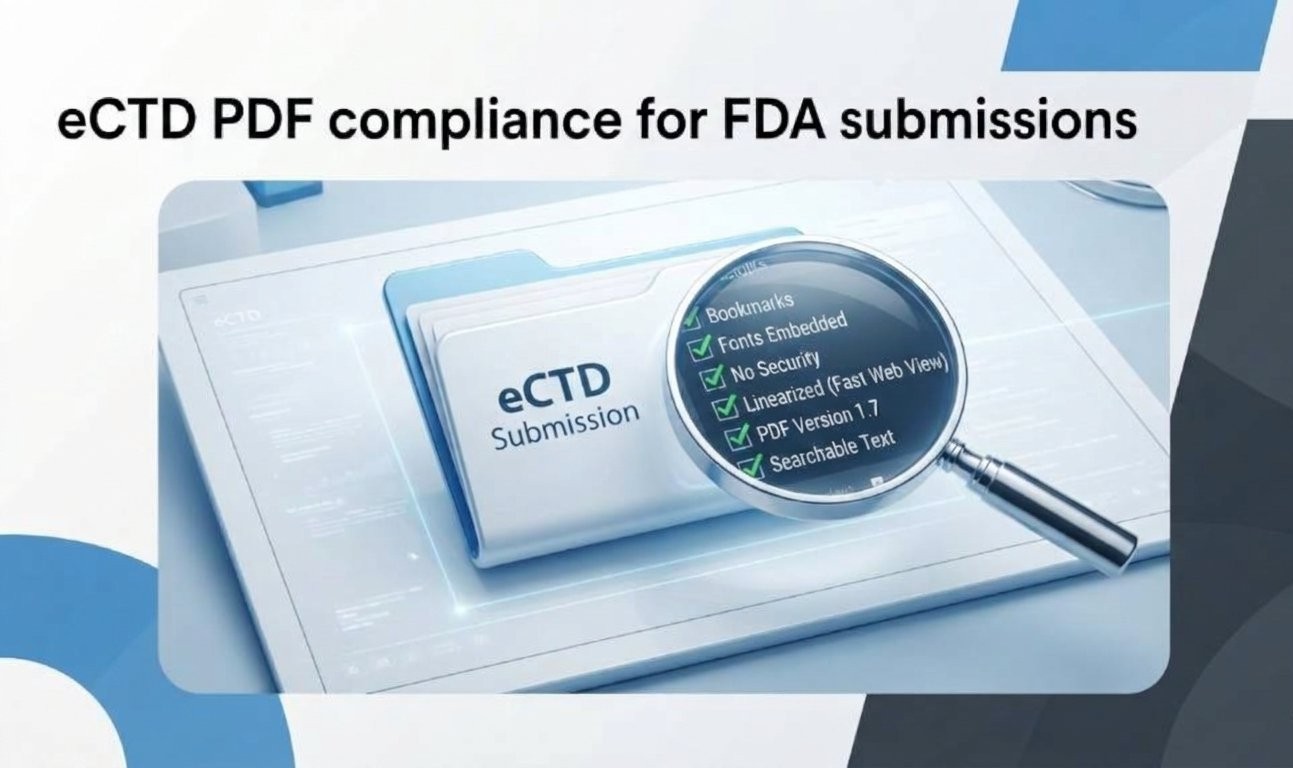
Before submission, teams can inspect searchability, OCR accuracy, resolution, fonts, margins, bookmarks, links, filenames, security and Fast Web View.
These are practical quality checks based on the specifications, not a separate FDA-prescribed checklist.
Formal eCTD validation also examines submission structure, metadata and file references under applicable criteria. Passing PDF checks alone does not guarantee that the complete submission will pass validation.
Conclusion
A regulatory PDF is more than a readable electronic copy. Applying FDA’s document specifications helps ensure that scientific information remains accessible, searchable and navigable within an eCTD submission.
Attention to these details supports a more consistent review experience without replacing broader regulatory or technical validation.